Tired of monthly fees? WorkPlanner is offline task management for professionals. Kanban board, time tracking, project management — pay once, yours forever. No internet required.
Why WorkPlanner
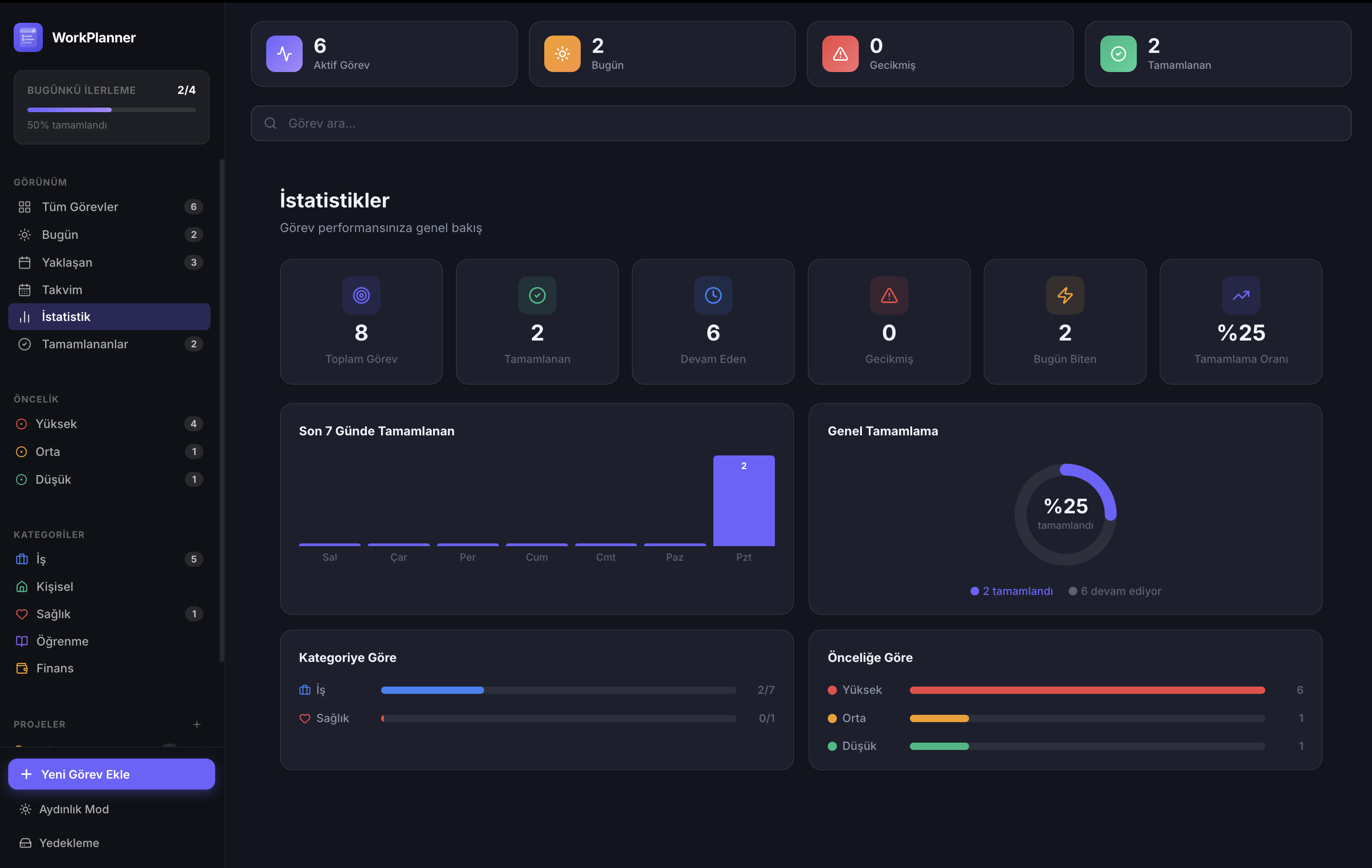
Track your productivity with data, reach your goals.
Features
From quick notes to complex projects — manage it all in one place.
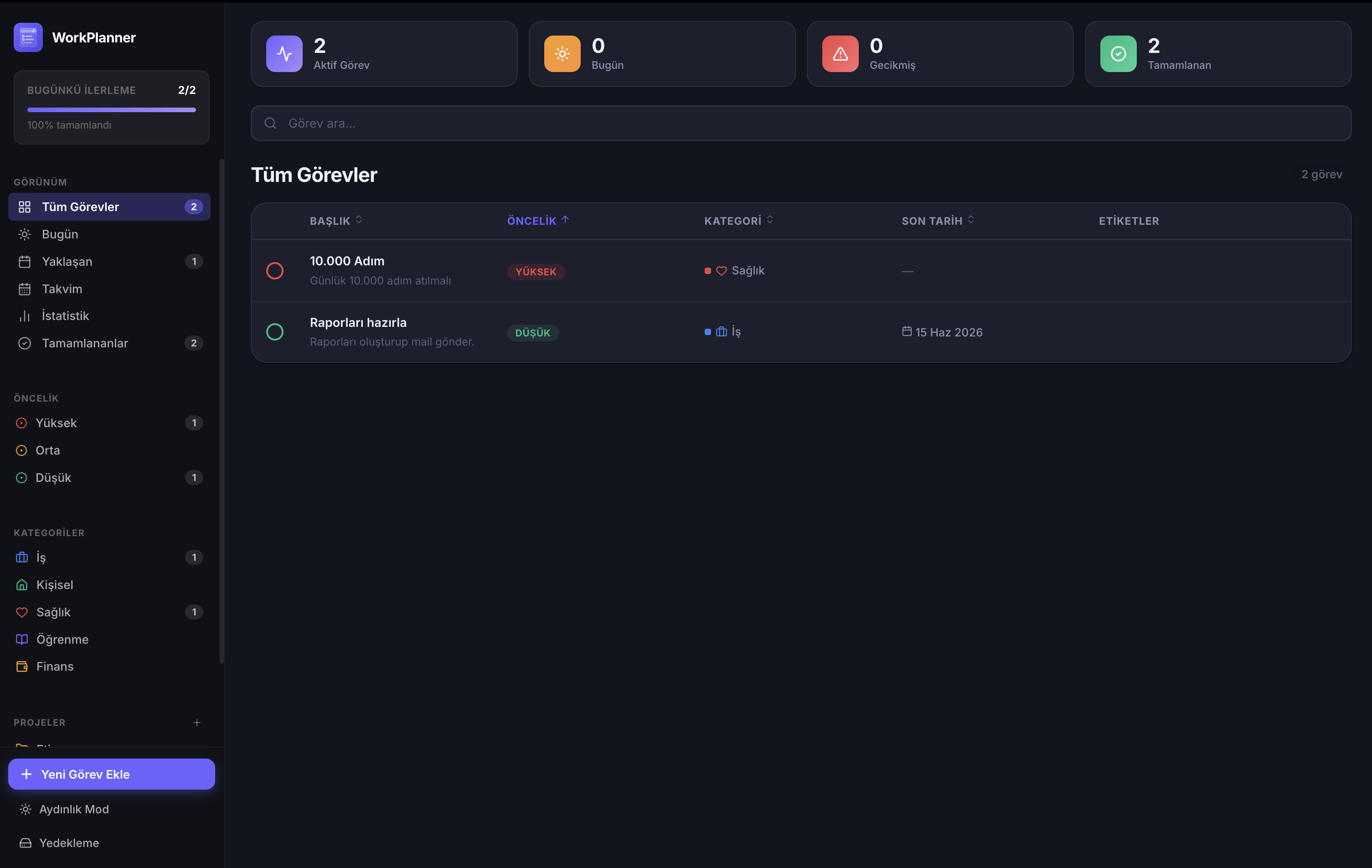
Organise all your tasks with priority, category, and due dates. Separate views for Today, Upcoming, and Completed.
Completion rate, category breakdown, weekly trends — measure your productivity with real data.
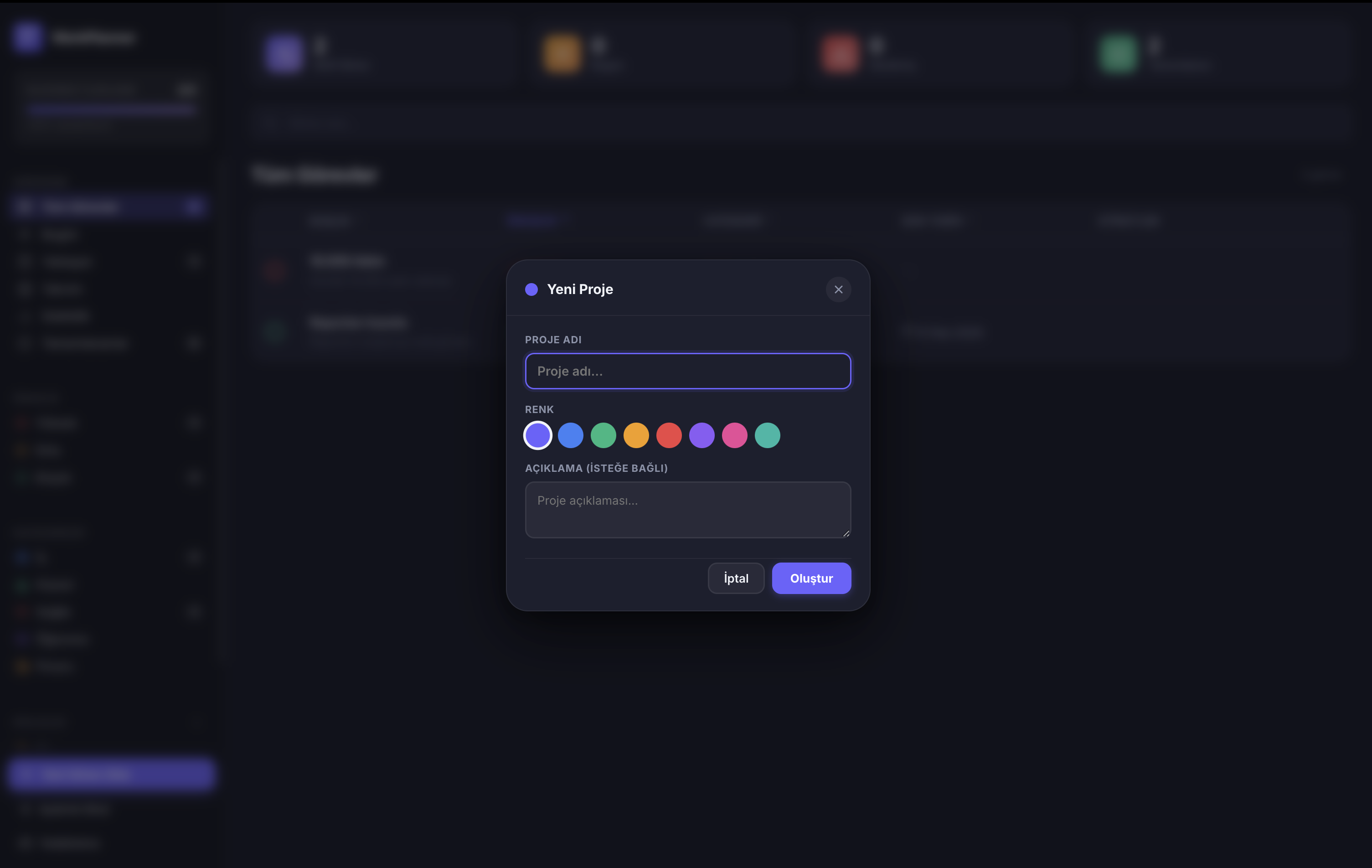
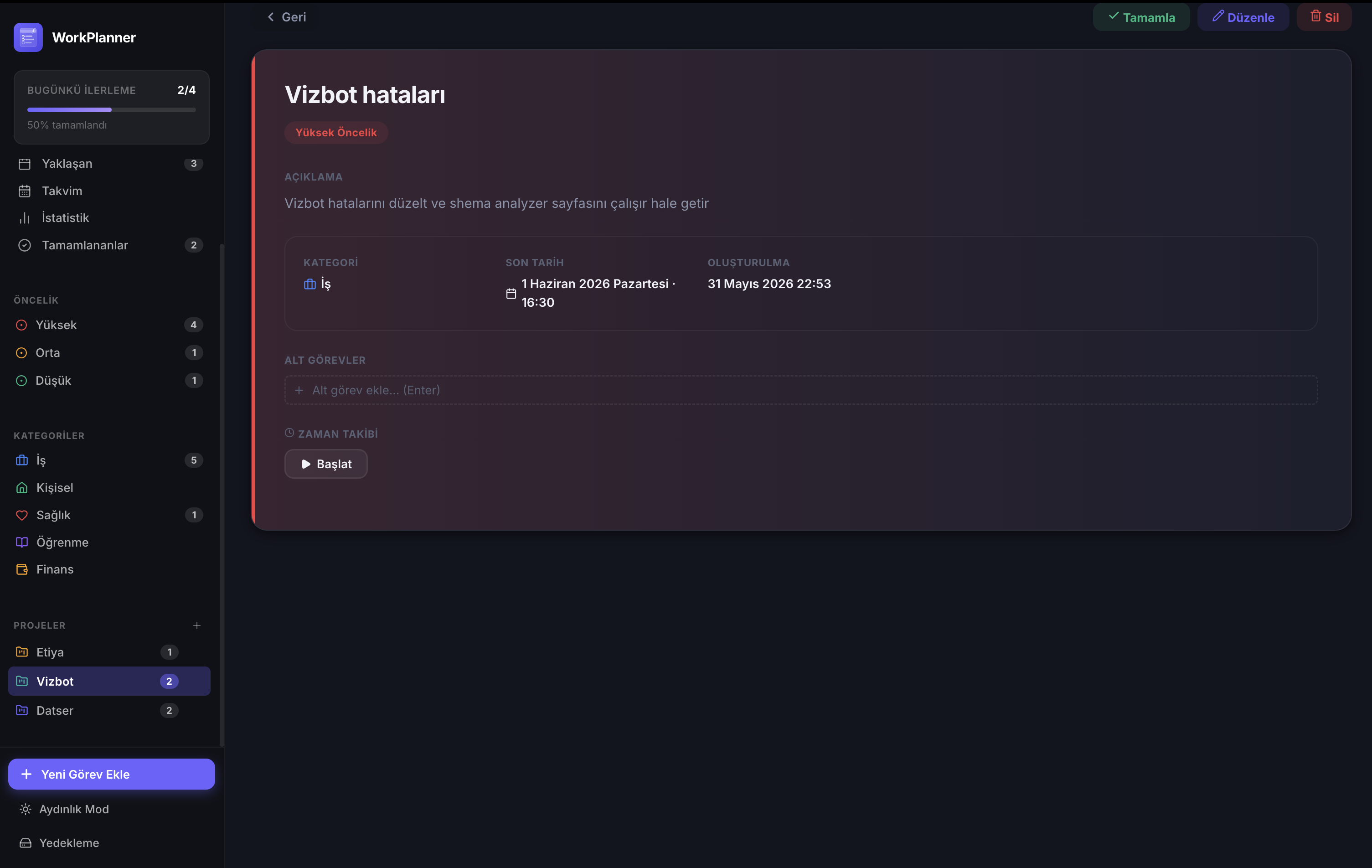
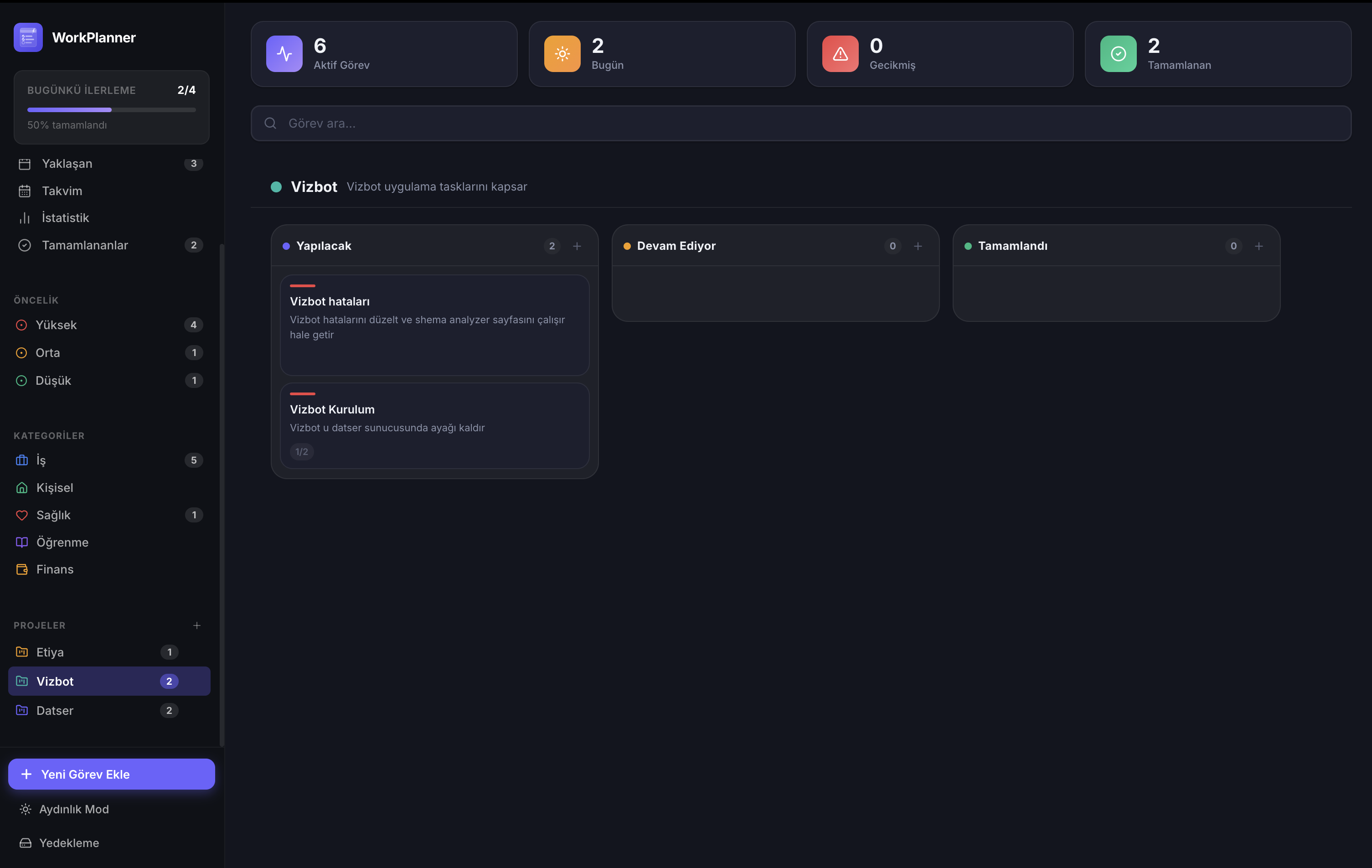
Organise tasks into color-coded projects. Filter by project and switch between views effortlessly.
Track time spent on any task. Weekly and monthly reports show exactly how you spend your time.
All data stored locally on your device. No internet connection, no cloud account, no privacy concerns.
Native macOS notifications when a task is due. Use ⌘⇧Space to quickly add a task from any app.
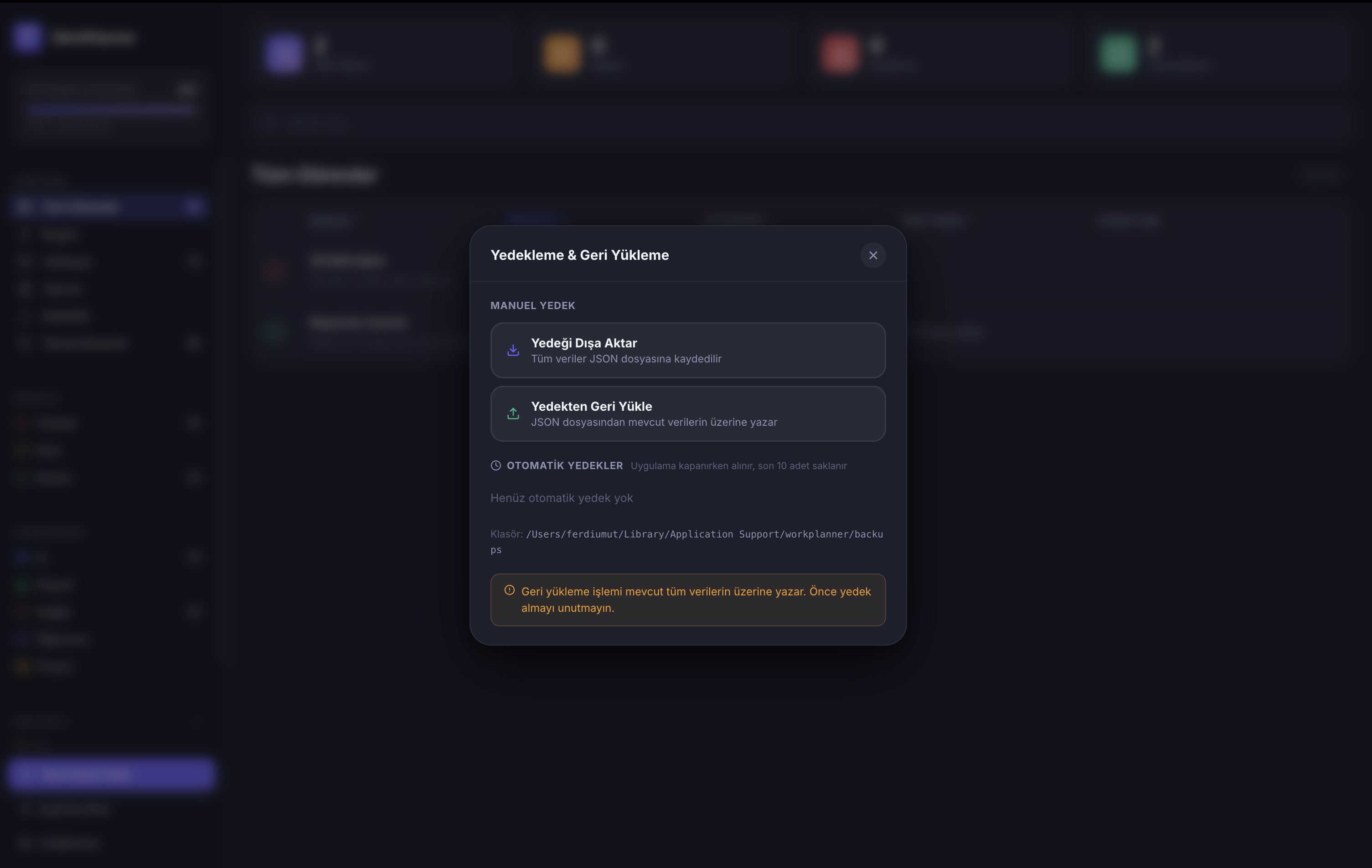
Export your data as JSON, move it across devices. Auto-backup is created every time the app closes.
Analytics
Weekly trend charts, category breakdowns and completion rates — see how productive you are at a glance.
Kanban Board
Drag and drop tasks between columns. A separate Kanban board for each project — completed tasks are automatically archived.
How It Works
No setup process, no account required.
Get WorkPlanner from the App Store. One-click install, ready in seconds.
Use ⌘N from anywhere to quickly add a task. Set category, priority and due date.
Manage projects on the Kanban board and track your productivity with statistics.
Available on the Mac App Store. Pay once, use forever. No internet required, no cloud account needed.